 KaraokMe
Your karaoke codes, set lists and stats in one place.
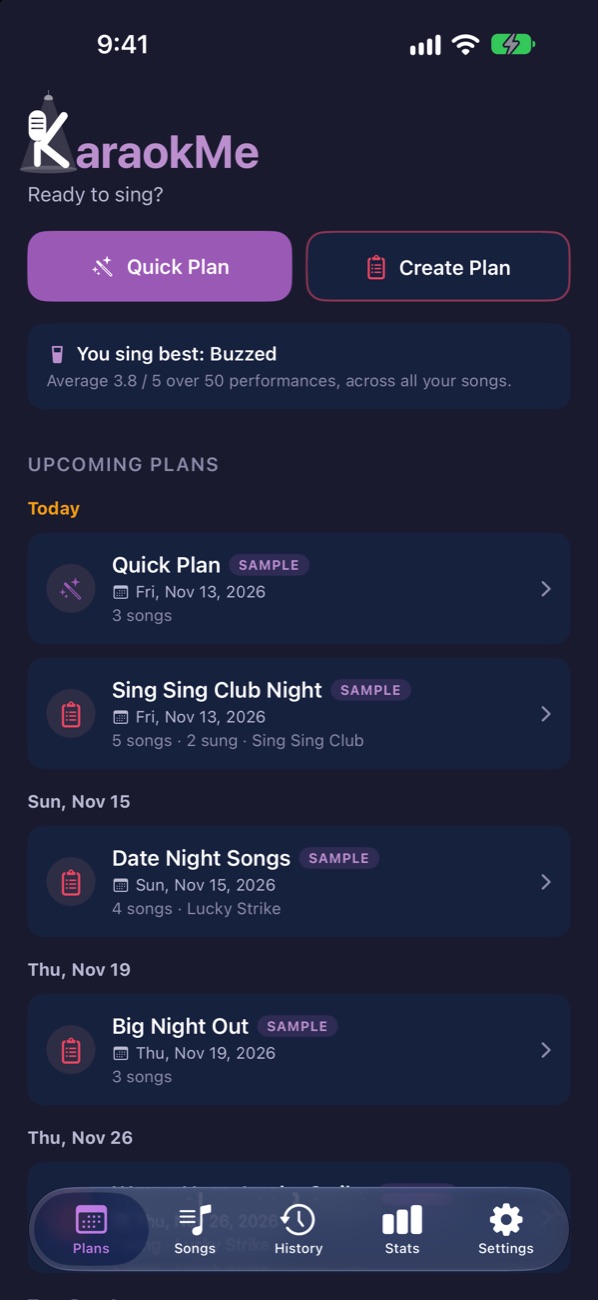
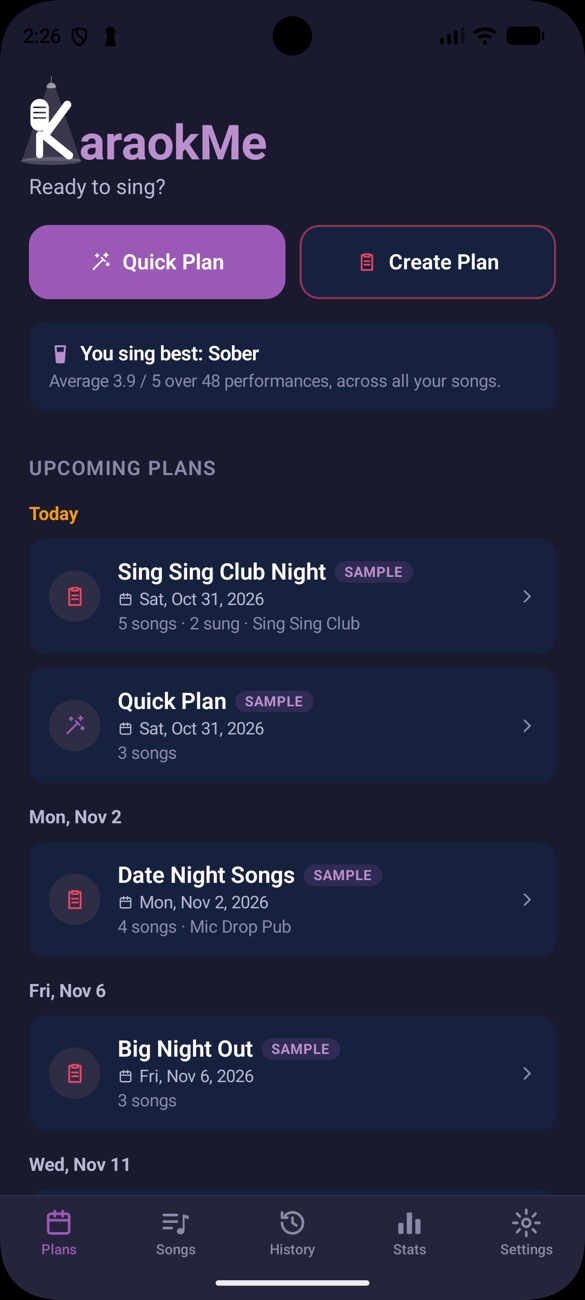
Never blank when the mic comes around. KaraokMe keeps every song ready, shows the right code wherever you sing, and remembers how each performance went.
Sound familiar?
Every karaoke regular knows these moments.
Flipping through the song book while the host is already calling your name.
Codes on a napkin or in your notes app, and never the right ones for this bar.
The same three songs every night, because you forget which other ones went well.
KaraokMe puts all of it in your pocket.
Ready in three steps
Set it up once. Every night after that is easier.
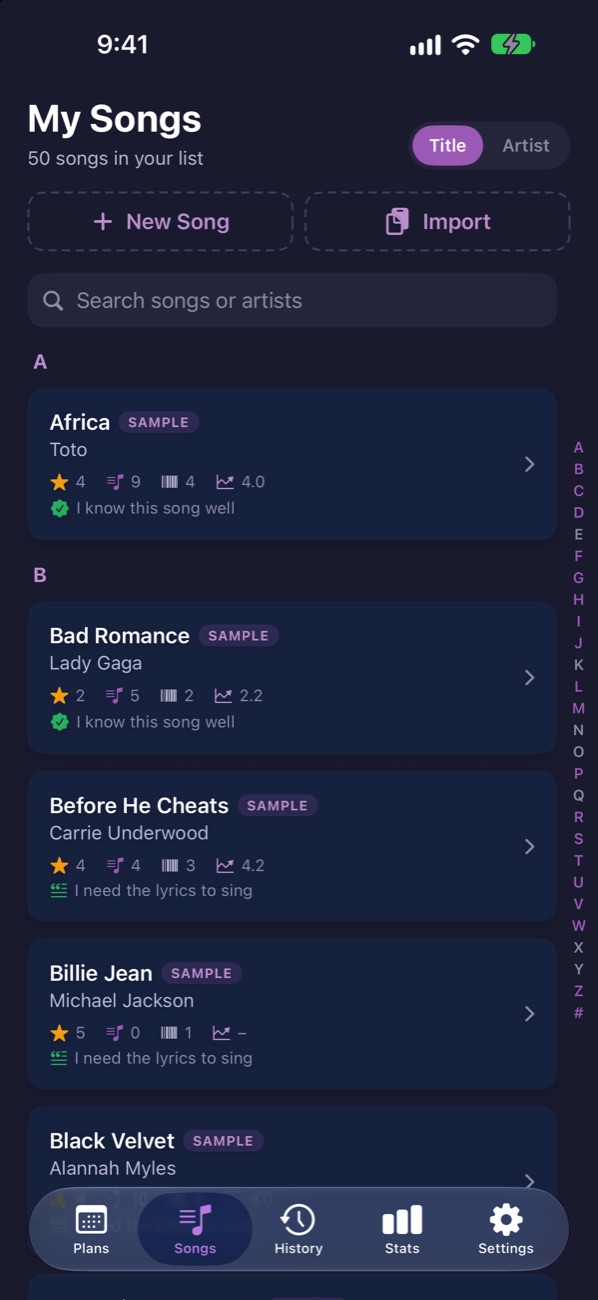
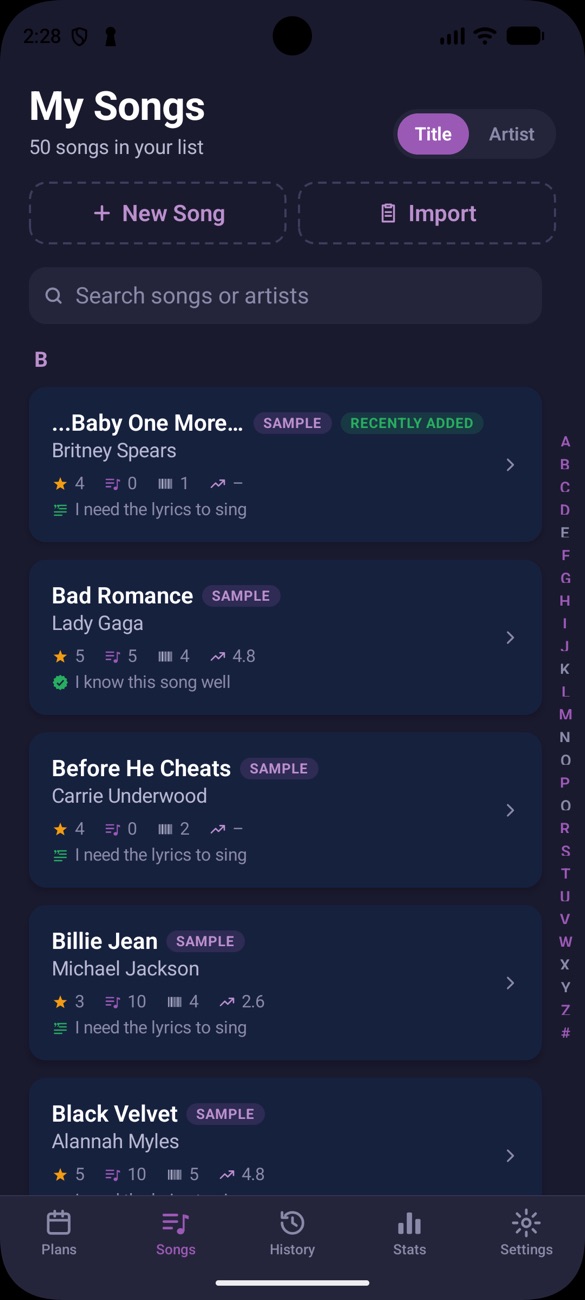
Add your songs
Type them in, paste a list or import a file.
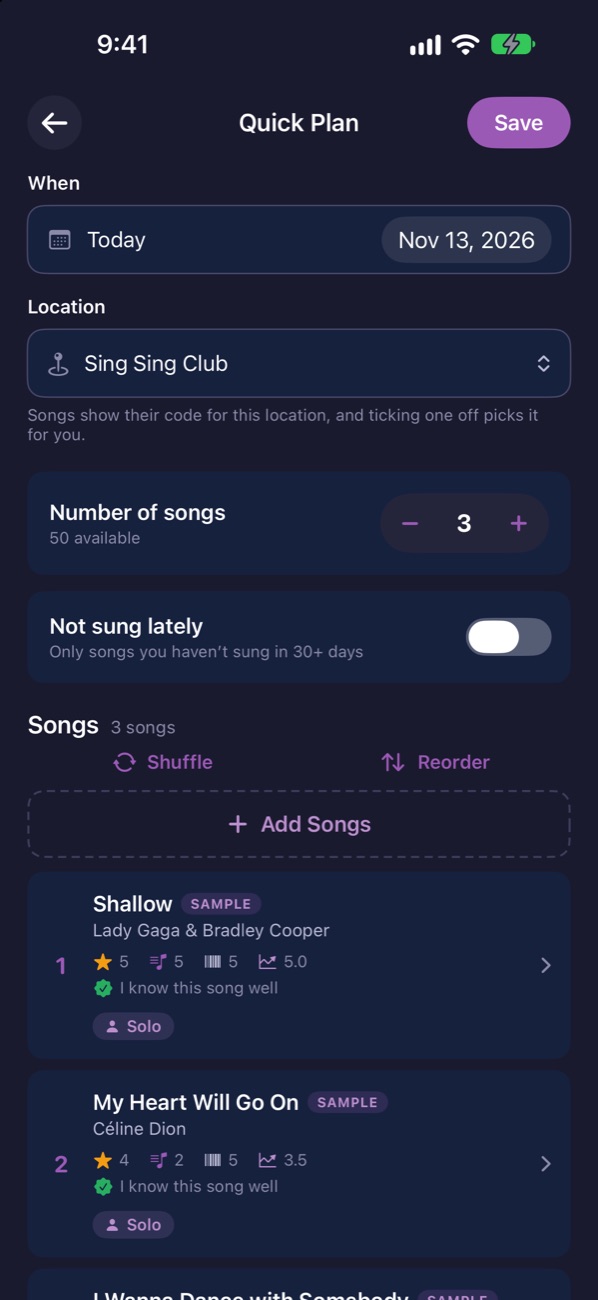
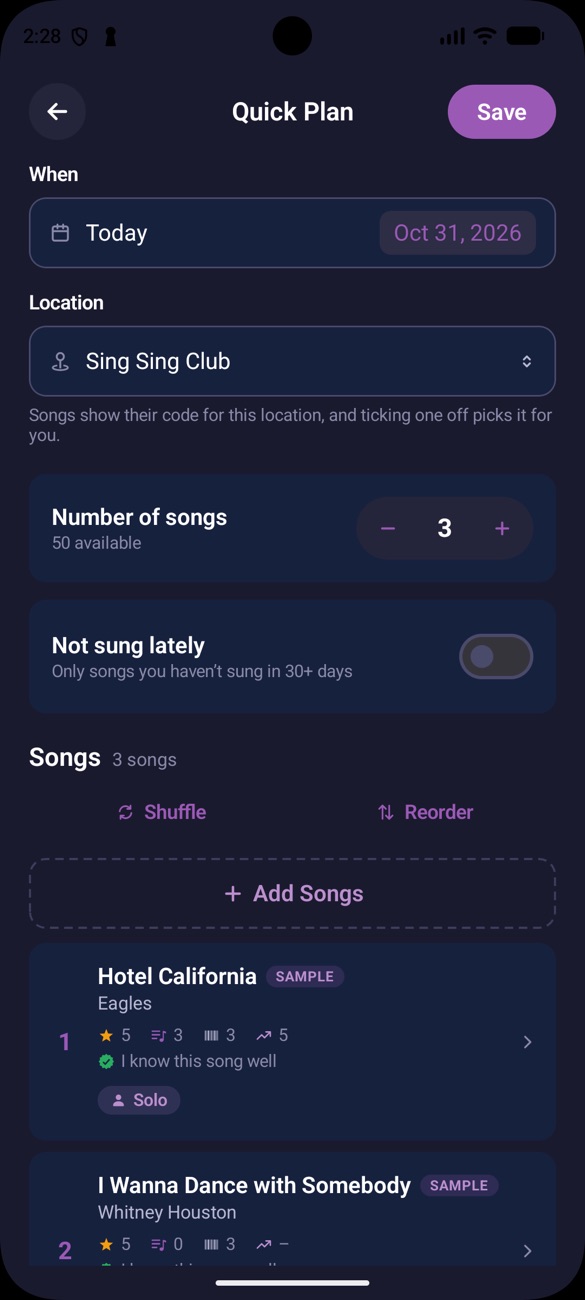
Plan the night
Pick your set, or let Quick Plan choose the songs you're ready for.
Sing and rate it
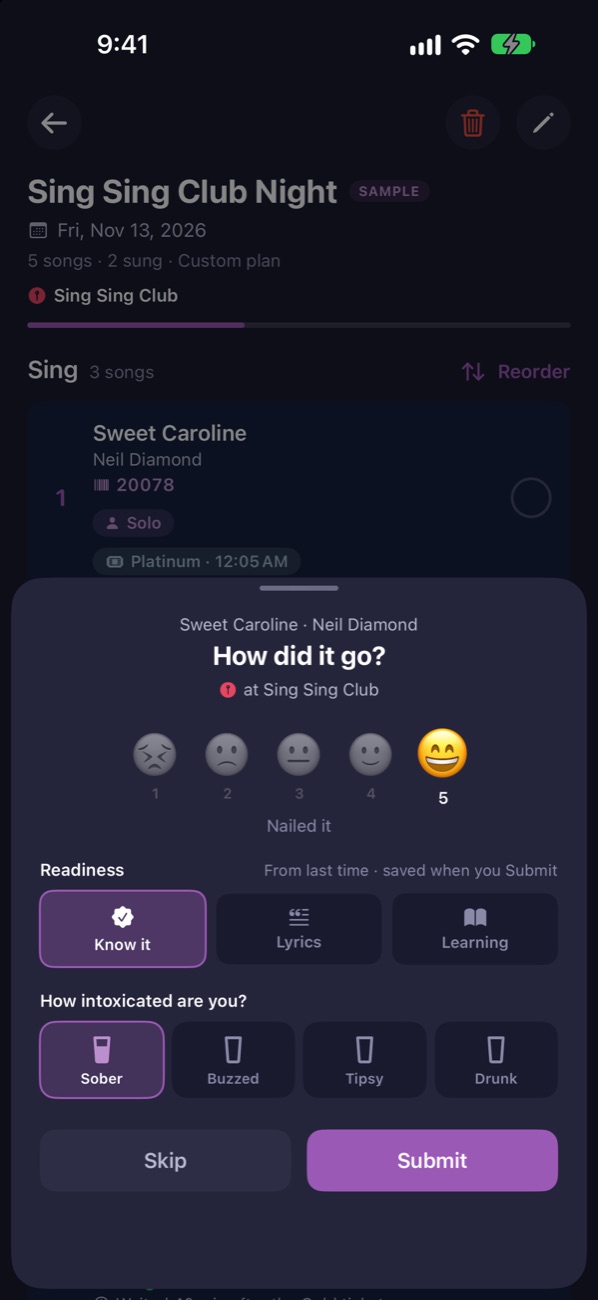
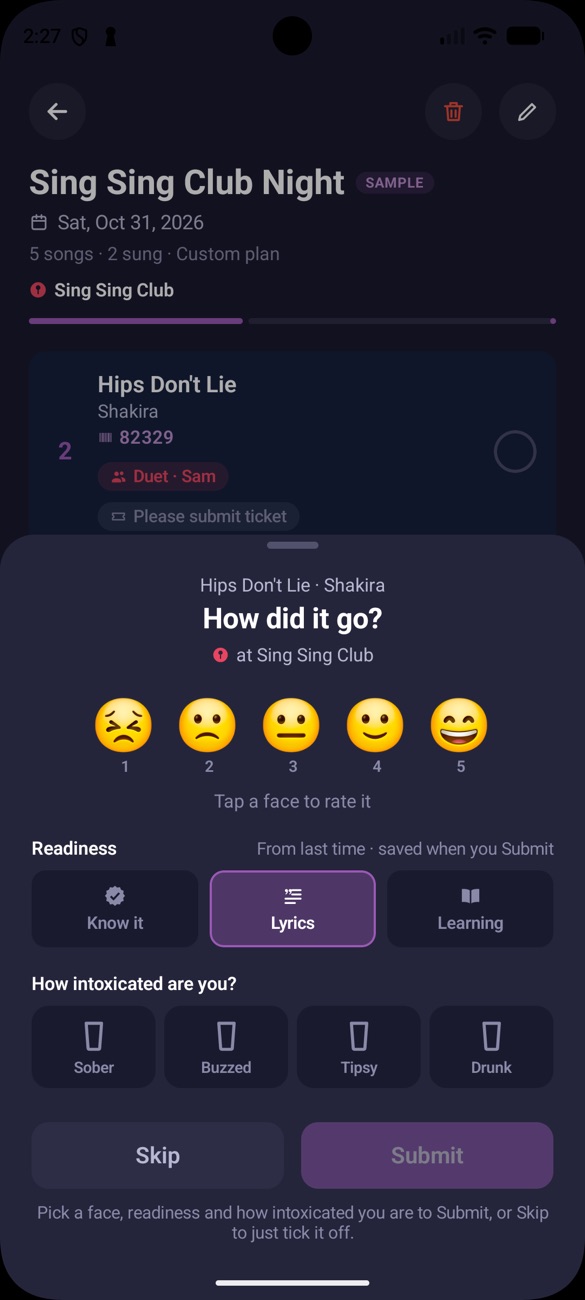
Tick each song off and say how it went.
The right code, wherever you are
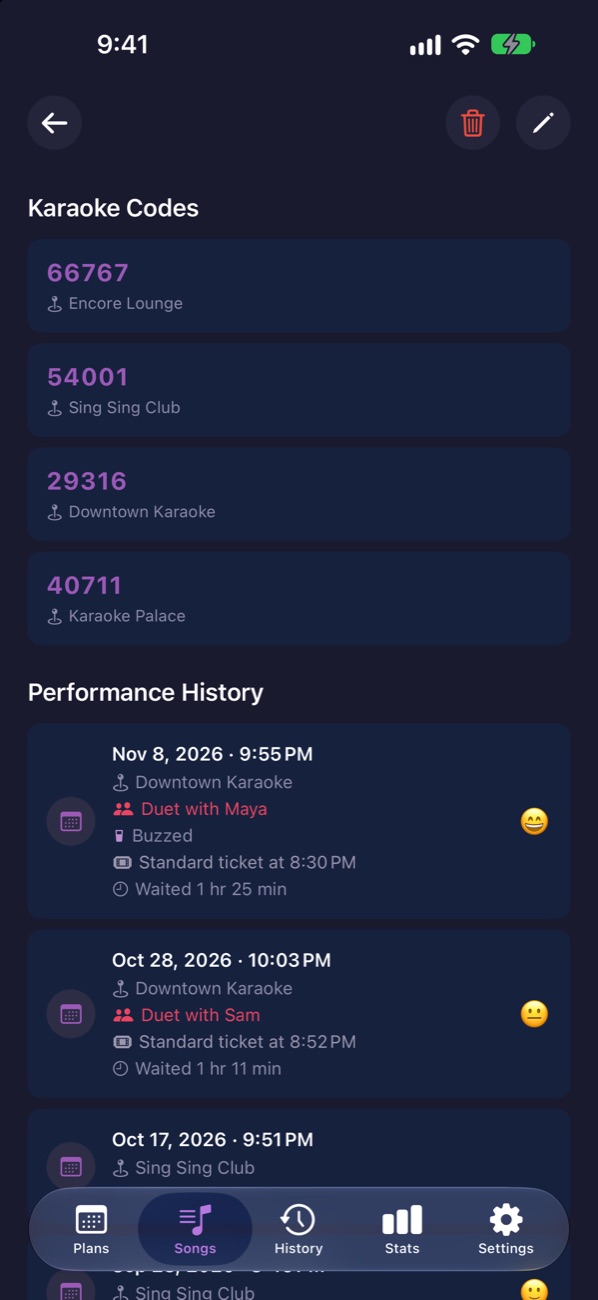
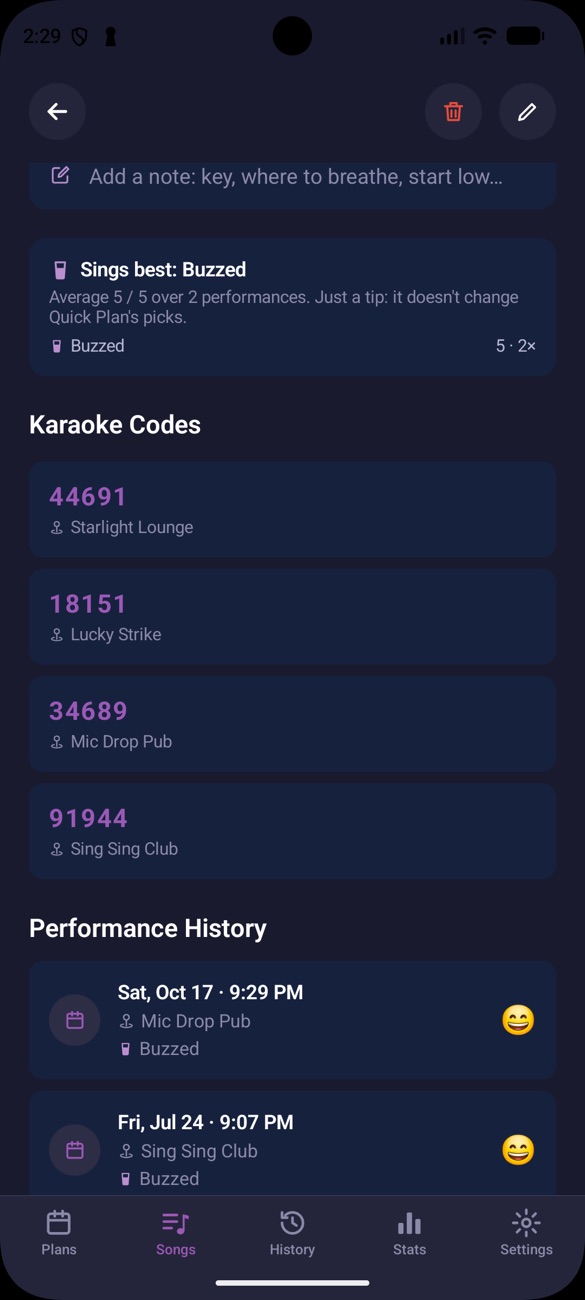
Every bar uses different song codes. KaraokMe saves them per place, so the right one is on screen when you walk in.
- Codes for every location you sing at
- Your notes and solo or duet, per song
- Find Karaoke Near Me opens Maps
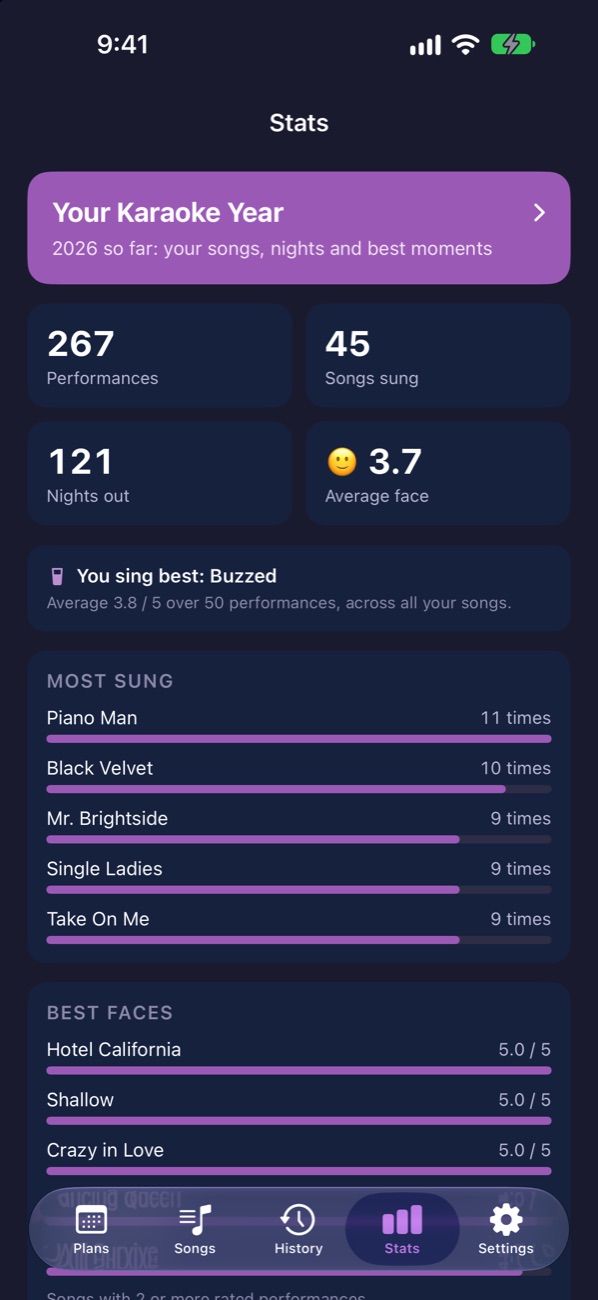
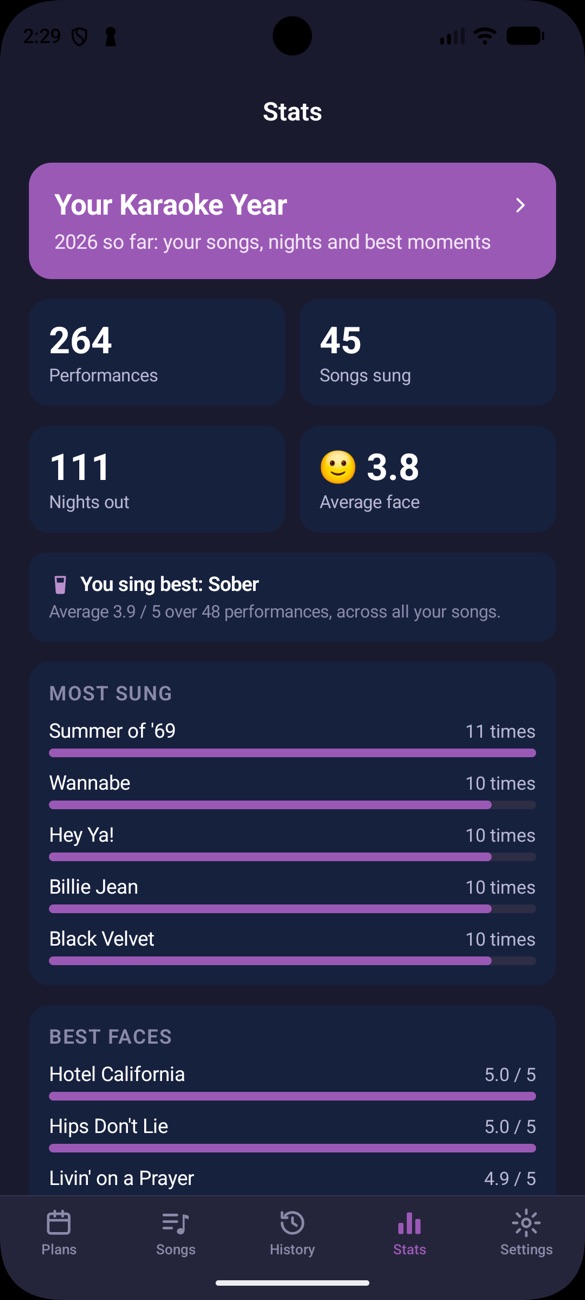
Find out what you sing best PLUS
Every performance you rate builds your stats. See your best songs, the ones you haven't sung lately, and your karaoke year.
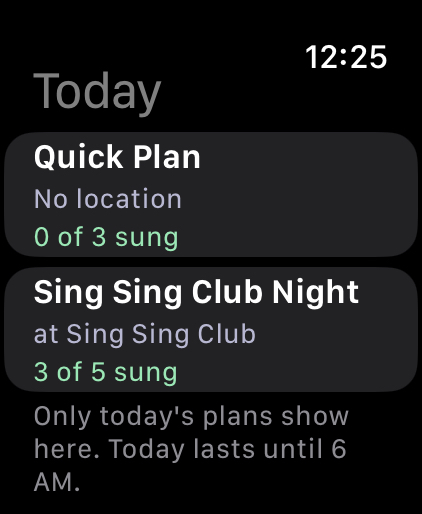
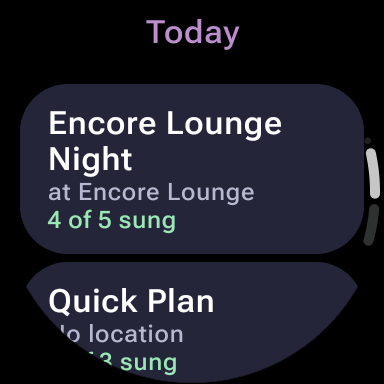
Tonight's plan on your wrist PLUS
Check the next song's code and tick it off from your Apple Watch or Wear OS watch, without digging out your phone mid-song.
Free, and it stays free
Everything you need for a great night is in the free version. Plus is there if you want more.
Free
- Unlimited songs and codes
- Unlimited plans you make yourself
- 3 Quick Plans a week
- Night reminders
- Last 2 weeks of history
KaraokMe Plus
- No ads
- All your history and stats
- Unlimited Quick Plans and locations
- Apple Watch and Wear OS app
- iCloud Sync on iPhone
- Every colour theme and app icon
Cancel anytime in your App Store settings. Your songs and history are always kept.
Questions
The quick answers.
What is KaraokMe?
KaraokMe is a karaoke planner app for iPhone, iPad and Android, with Apple Watch and Wear OS apps. It keeps your song list, the song codes each karaoke place uses, your set list for the night, and a record of how every performance went.
Does KaraokMe play karaoke songs or show lyrics?
No. KaraokMe is a planner, not a karaoke player. It doesn't play music or show lyrics. It keeps track of the songs you sing, the codes to request them and how each one went.
What is a karaoke song code?
It's the number you give the host or type into the machine to request a song. Different venues and karaoke systems use different codes, so the same song often has a different code at each place. KaraokMe saves the code for each song at each place you sing.
Is KaraokMe free?
Yes. KaraokMe is free to download, with unlimited songs, codes and plans you make yourself. The free version has ads and a few limits. KaraokMe Plus removes them.
How much does KaraokMe Plus cost?
KaraokMe Plus is $2.99 a month or $19.99 a year. It removes the ads and adds all your history and stats, unlimited Quick Plans and locations, the Apple Watch and Wear OS app, iCloud Sync on iPhone, and every colour theme and app icon. Prices may vary by country.
Do I need an account?
No. Open the app and start adding songs. Nothing to sign up for.
Where are my songs stored?
On your phone. With Plus you can sync them through your own iCloud. We never see them.
Can I import my song list?
Yes. Type songs in, paste a list or import a CSV file. On iPhone, KaraokMe Plus can also import Apple Music playlists.
Does KaraokMe work on Apple Watch and Wear OS?
Yes, with KaraokMe Plus. Tonight's plan shows on your Apple Watch (watchOS 10 or later) or Wear OS watch (Wear OS 3 or later), so you can check the next song's code and tick it off without taking out your phone.
Is KaraokMe on iPhone and Android?
KaraokMe is coming soon to the App Store for iPhone, iPad and Apple Watch, and to Google Play for Android phones and Wear OS watches.
Your next karaoke night starts here
Free to download. Ready before your name gets called.